
Part of our Digital Modes: FT8, Winlink, DMR, APRS, and the Software Behind Them guide.
FT8 took over the digital segments of every HF band, but it’s not the only digital mode worth knowing, and for some jobs it isn’t even the best. PSK31 lets you type a real conversation, RTTY still rules digital contesting, Olivia and MFSK get text through conditions that wipe out almost everything else, and FreeDV puts open-source digital voice on HF. The good news: if you already have a sound card interface and CAT control working for FT8, you have all the hardware every one of these needs. Most of them run in Fldigi.
Jump to: PSK31 · RTTY · Olivia and MFSK · FreeDV
What Is PSK31? The Original Low-Power Chat Mode
Long before FT8, PSK31 was doing keyboard-to-keyboard chat over weak, narrow signals. Released by Peter Martinez, G3PLX, in 1998, it’s still around, and worth understanding even if it never becomes your main mode.
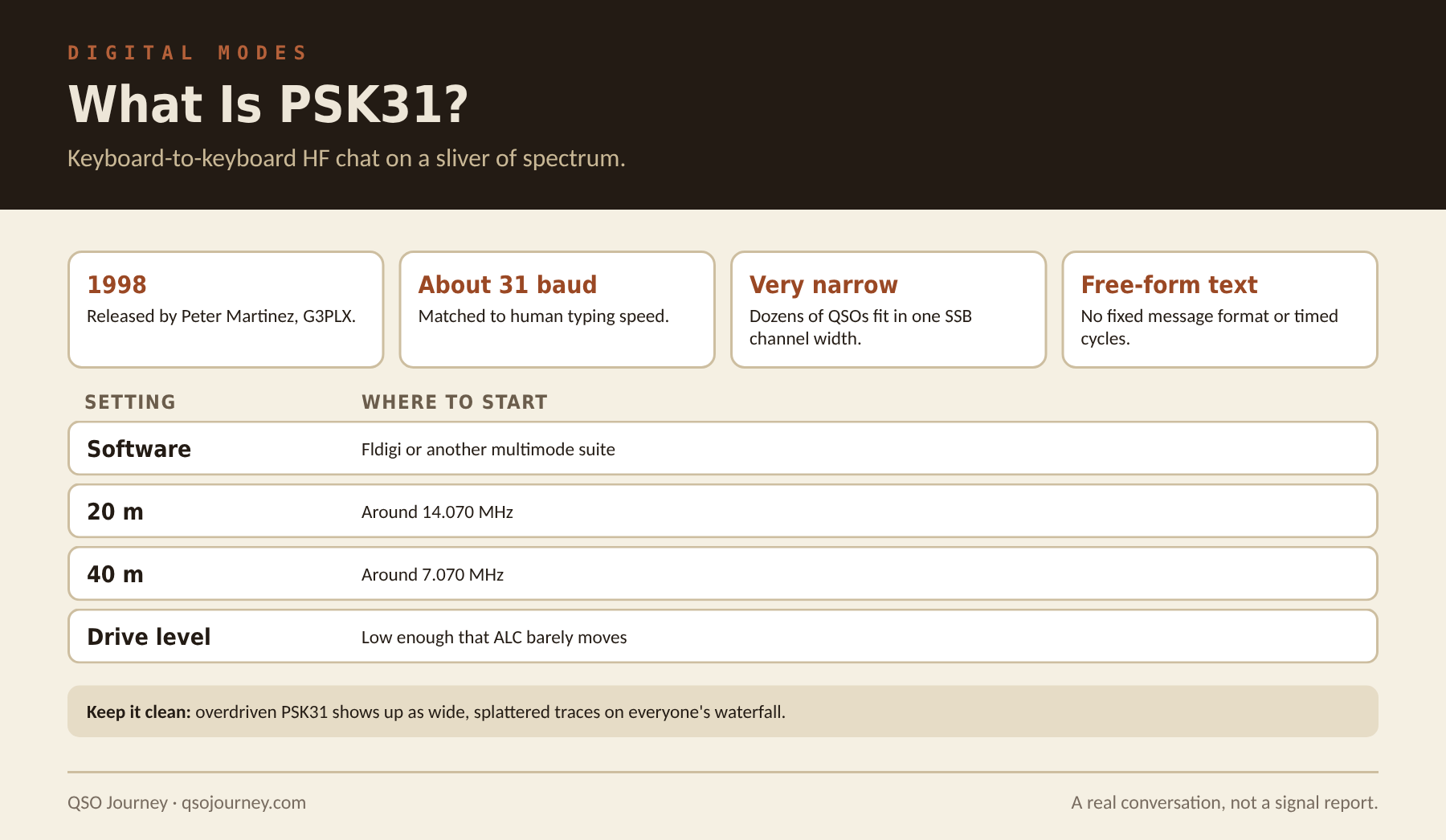
PSK31 uses phase-shift keying instead of the frequency-shift keying RTTY and FT8 use, encoding data as phase changes in a continuous carrier. The 31 is its roughly 31 baud data rate, chosen to match typical typing speed. Its narrow bandwidth, about 60 Hz, is its biggest advantage: dozens of PSK31 conversations fit in the space of one SSB signal.
This is where PSK31 really differs from FT8. There’s no fixed message format and no 15-second windows. You type, and the other station reads it in close to real time, like an instant message. That makes it far better for an actual ragchew than FT8 will ever be, even though FT8 pulls weaker signals out of the noise more reliably. Activity has thinned since FT8 arrived but hasn’t disappeared, and I treat it as a mode worth having in the toolkit for nights you want a real conversation instead of trading grids and reports.
Getting on PSK31
- Software: Fldigi, on Windows, macOS or Linux. Set the mode to BPSK31.
- Where to look: just above the FT8 segments, around 14.070 MHz on 20 meters and 7.070 MHz on 40. Radio in USB, and watch the waterfall for thin, evenly spaced traces.
- Click to tune: click a trace and the decoded text appears. Your transmit signal goes out at the same audio offset.
- Keep it clean: PSK31 needs a linear signal. Turn drive down until the ALC barely moves. An overdriven signal looks wide and splattered on everyone’s waterfall.
- Use macros for CQ, station details and sign-off, so you spend the QSO typing the actual conversation.
Spend your first evening just decoding. Seeing how others format a CQ and an exchange is the fastest way to learn the conventions.
What Is RTTY, and Is It Still Worth Learning?
RTTY, radioteletype, predates every other digital mode on this site by decades. It was on HF long before packet, PSK31 or FT8, and it’s still alive mostly because of one thing: contesting.
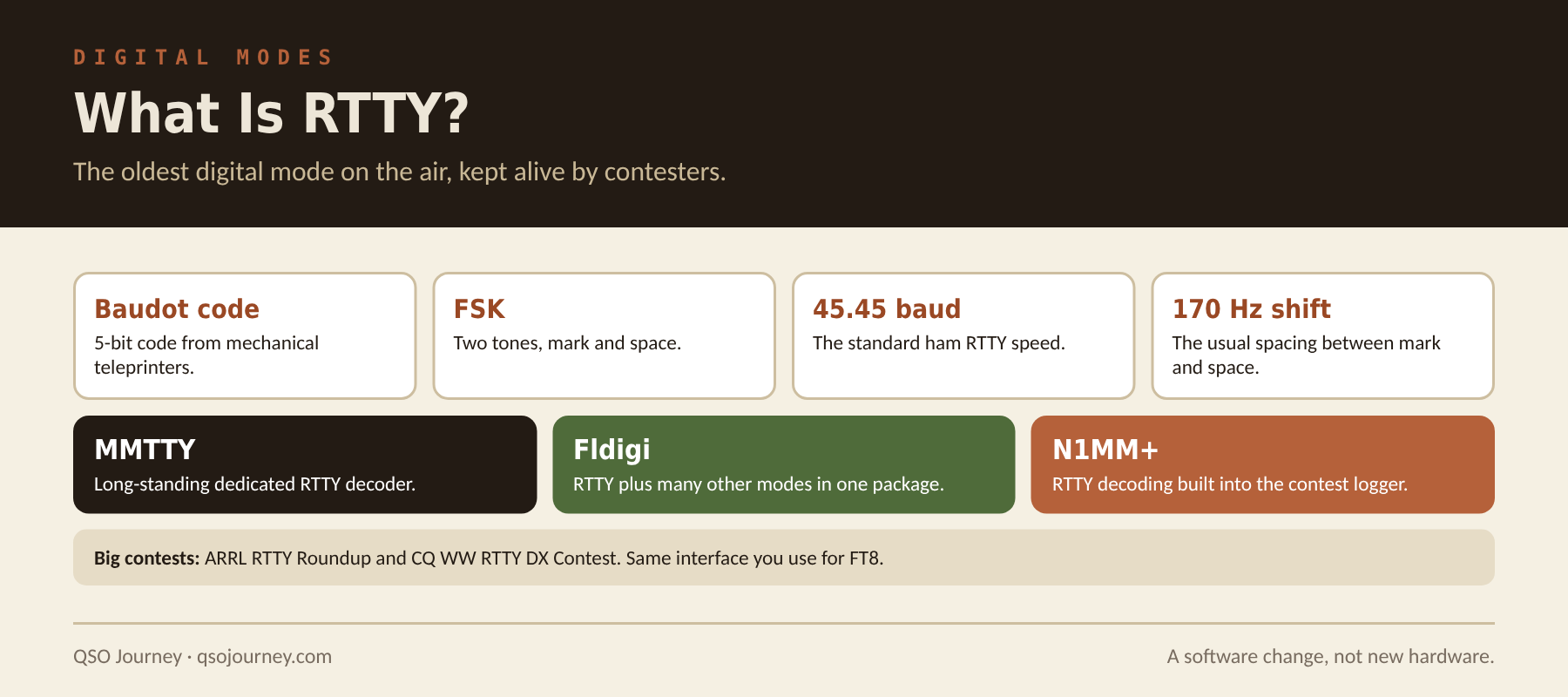
RTTY traces back to mechanical teletype machines and uses a 5-bit Baudot code for letters, numbers and a few control characters. On the air it’s frequency-shift keying between two tones (mark and space), typically at 45.45 baud with 170 Hz shift. Sound cards and software like Fldigi or MMTTY replaced the teleprinters long ago.
Compared to FT8, RTTY needs a real signal, meaningfully stronger than FT8’s weak-signal floor, but the exchange is fast and closer to how a phone contest feels. If FT8 has started to feel like waiting in line, RTTY is a different, faster experience on the hardware you already own.
RTTY contesting has a large, dedicated following that never fully moved to FT8 or FT4. It handles fast, high-volume exchanges well, and contests like the ARRL RTTY Roundup and the CQ WW RTTY DX Contest draw serious participation every year (see Contests Worth Your Weekend). MMTTY is the long-standing dedicated decoder, Fldigi handles RTTY along with everything else, and N1MM+ has RTTY decoding built into the logger, which I set up in Contest Logging: N1MM+ vs N3FJP.
Is it worth learning? If contesting is any part of why you get on the air, yes, and RTTY-specific DXCC and award endorsements exist for a reason. If you’re purely chasing casual DX or ragchewing, FT8 gets you more contacts for less effort. Either way, adding RTTY to an FT8 station is a software question, not a hardware one.
Olivia and MFSK: Robust Text Modes for Bad Conditions
FT8 isn’t actually the most robust digital text mode available. Olivia and MFSK were built to pull a readable message out of conditions bad enough to wipe out almost anything else, at the cost of being much slower.

Olivia spreads each character across multiple tones using MFSK (multiple frequency-shift keying) with heavy forward error correction, so it can reconstruct a message even when large parts of the transmission are lost to noise or fading. Common setups use 8 or 16 tones across 250 to 1000 Hz, written as Olivia 8/250 or Olivia 16/500. That resilience costs speed: Olivia and other MFSK modes are noticeably slower than PSK31 or RTTY. That’s fine for what they’re built for: long-haul contacts on marginal paths, and emergency traffic where getting the message through matters more than getting it through fast.
Getting on Olivia
- Match the setting. Olivia stations must match tone count and bandwidth, so 8/250 can’t decode 16/500. When answering a CQ, use whatever the calling station uses.
- Watch the waterfall for the wide, flat block an Olivia signal makes. It looks nothing like a thin PSK31 trace.
- Be patient. Text appears in bursts after a delay because of the error correction, so don’t give up on a signal after a few seconds.
- Look just above the FT8 segments on 20, 30 and 40 meters, and check online activity lists before assuming the band is empty.
MFSK16 and MFSK32 are also worth trying in Fldigi. They’re faster than Olivia and still hold up better than PSK31 in fading, which makes them a good middle ground. These modes are also part of what EmComm groups practice on NBEMS practice nets.
FreeDV: Open-Source Digital Voice on HF
D-STAR, DMR and System Fusion all live on VHF and UHF. FreeDV fills a different gap: open-source digital voice on HF, where none of those modes operate.
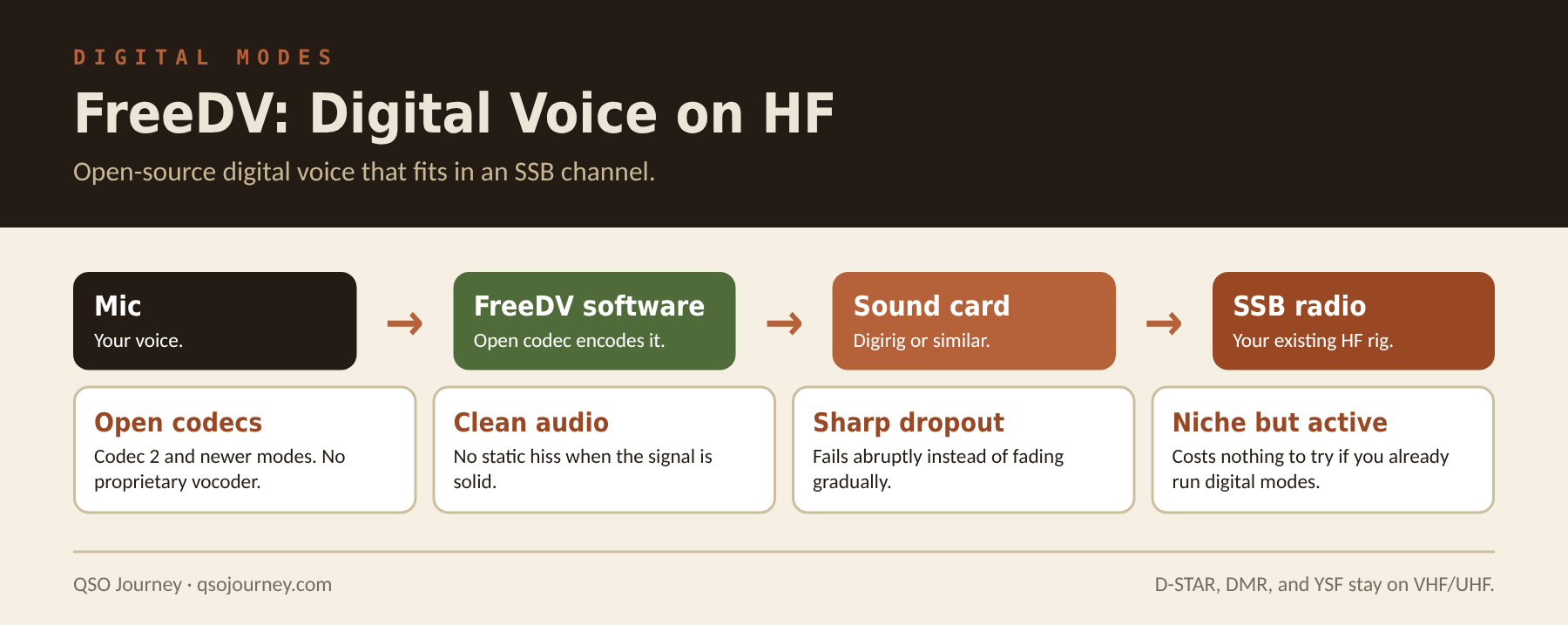
Unlike D-STAR’s proprietary AMBE codec or DMR’s commercial roots, FreeDV is built on open-source codecs, most notably Codec 2, which compresses voice to a very low bitrate without the licensing restrictions of proprietary vocoder chips. It runs through your existing SSB radio with a sound card interface. The software shapes your voice into a digital signal that fits a standard SSB channel, and newer modes like FreeDV 2020 and RADE can sound noticeably clearer than analog SSB in marginal conditions, with a harsher failure when the signal drops out entirely.
FreeDV stays niche because the audience willing to run a somewhat fiddly software chain for HF digital voice is small, and apart from add-on adapters like the SM1000 and ezDV, no mainstream radio ships with it built in. Still, if your sound card interface is already set up, it costs nothing to try, and the community is active enough to find contacts most evenings.
- Install the free FreeDV application for Windows, macOS or Linux.
- Set two audio devices: the radio interface for receive and transmit audio, and your headset or speakers for your own voice.
- Put the radio in USB and turn off processing that distorts the signal, such as heavy speech compression.
- Keep drive low enough that the ALC barely moves. FreeDV is a multi-carrier signal and needs a clean, linear transmitter.
- Look around 14.236 MHz on 20 meters, and use FreeDV Reporter in the app to see who’s active.
Because the signal either decodes cleanly or not at all, give each contact a few seconds before deciding it isn’t working, and expect to need a slightly stronger signal than SSB. For the other open-source voice mode, see M17.
Related reading: WSJT-X Explained: FT8, FT4 and JTDX · VarAC: The Chat Mode Built on VARA · Why Is Everyone Stuck on FT8?
I send RTTY normally in the mornings around 10 – 11, on 27.550usb, my locator jo 02 ou, near great yarmouth, uk – check out my site eng075.com