

Part of our Emergency Communications and Preparedness guide.
Every Winlink station has to pick a modem, the piece that actually moves your message over the air. It’s the single biggest cost and performance decision in the setup. There are three real options: VARA, ARDOP and PACTOR. This guide compares them, then covers VarAC, the chat mode built on VARA. For the step-by-step install, see the Winlink Setup Guide.
Jump to: VARA · ARDOP vs VARA · VARA vs PACTOR · VarAC
What Is VARA, and Why Winlink Depends On It
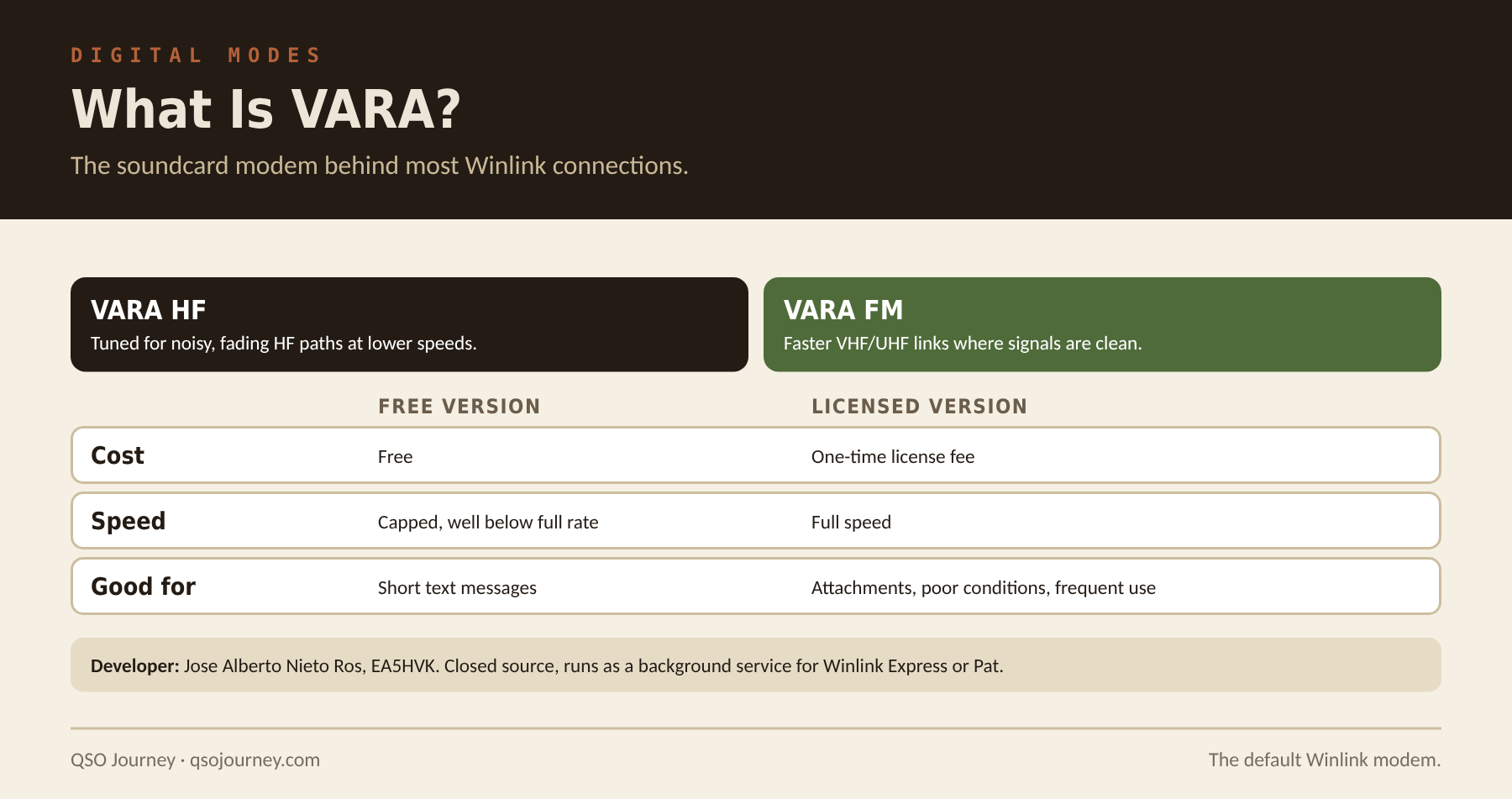
VARA is a sound card software modem developed by Jose Alberto Nieto Ros, EA5HVK. It handles modulation, demodulation and error correction for Winlink connections, running in the background while Winlink Express, Pat or another client talks to it. VARA HF is tuned for the noisier, lower-bandwidth conditions of HF. VARA FM is built for faster, cleaner VHF/UHF links with much higher data rates.
It’s free to download and use, but the free version caps the data rate well below what a paid license unlocks. Most casual users are fine on the free tier for short text. If you regularly move larger attachments or operate in poor conditions, you’ll notice the difference, and the license is a reasonable one-time cost if Winlink is a real part of your plan.
ARDOP vs VARA
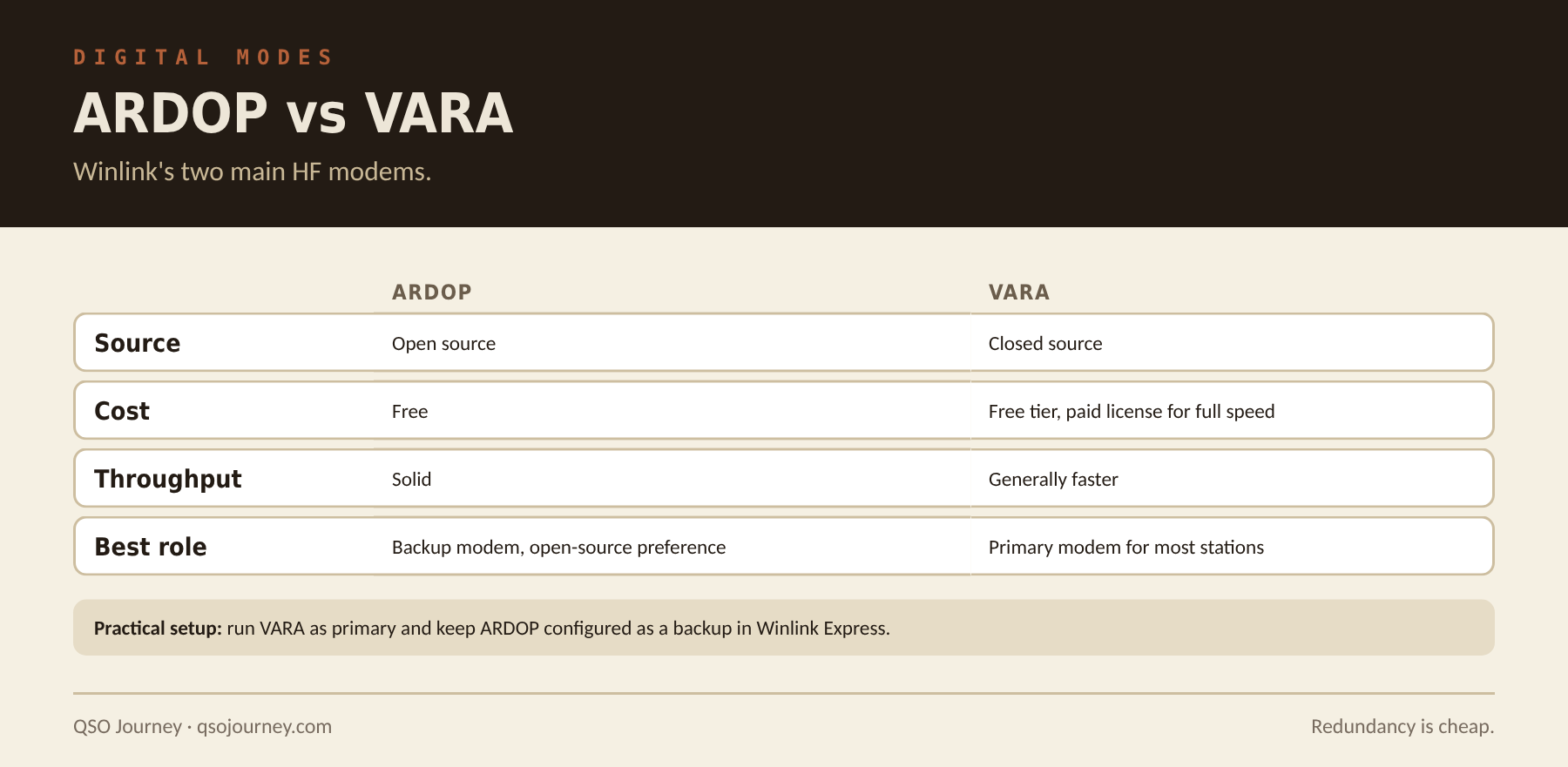
ARDOP (Amateur Radio Digital Open Protocol) was developed for Winlink and released as fully open source, with no fees or closed components. That matters to some operators on principle, and it means ARDOP doesn’t depend on one developer’s continued support. VARA is closed source from a single author, but in most real-world comparisons it outperforms ARDOP in throughput and connection reliability, especially on HF, which is why it’s become the default.
| ARDOP | VARA | |
|---|---|---|
| Source code | Open | Closed |
| Cost | Free | Free tier, paid license for full speed |
| Throughput | Solid | Generally faster |
| Gateway support | Fewer gateways today | Most HF gateways |
Start with VARA on the free tier and step up to a license only if you hit its limits. Keep ARDOP configured as a backup, since a second working modem costs nothing. Gateway support matters as much as speed: check the Winlink channel list for gateways in range that run each modem, because a faster modem doesn’t help if the gateways you can reach don’t support it. And practice with both. A backup modem that has never connected isn’t much of a backup.
VARA vs PACTOR: When the Hardware Modem Is Worth It
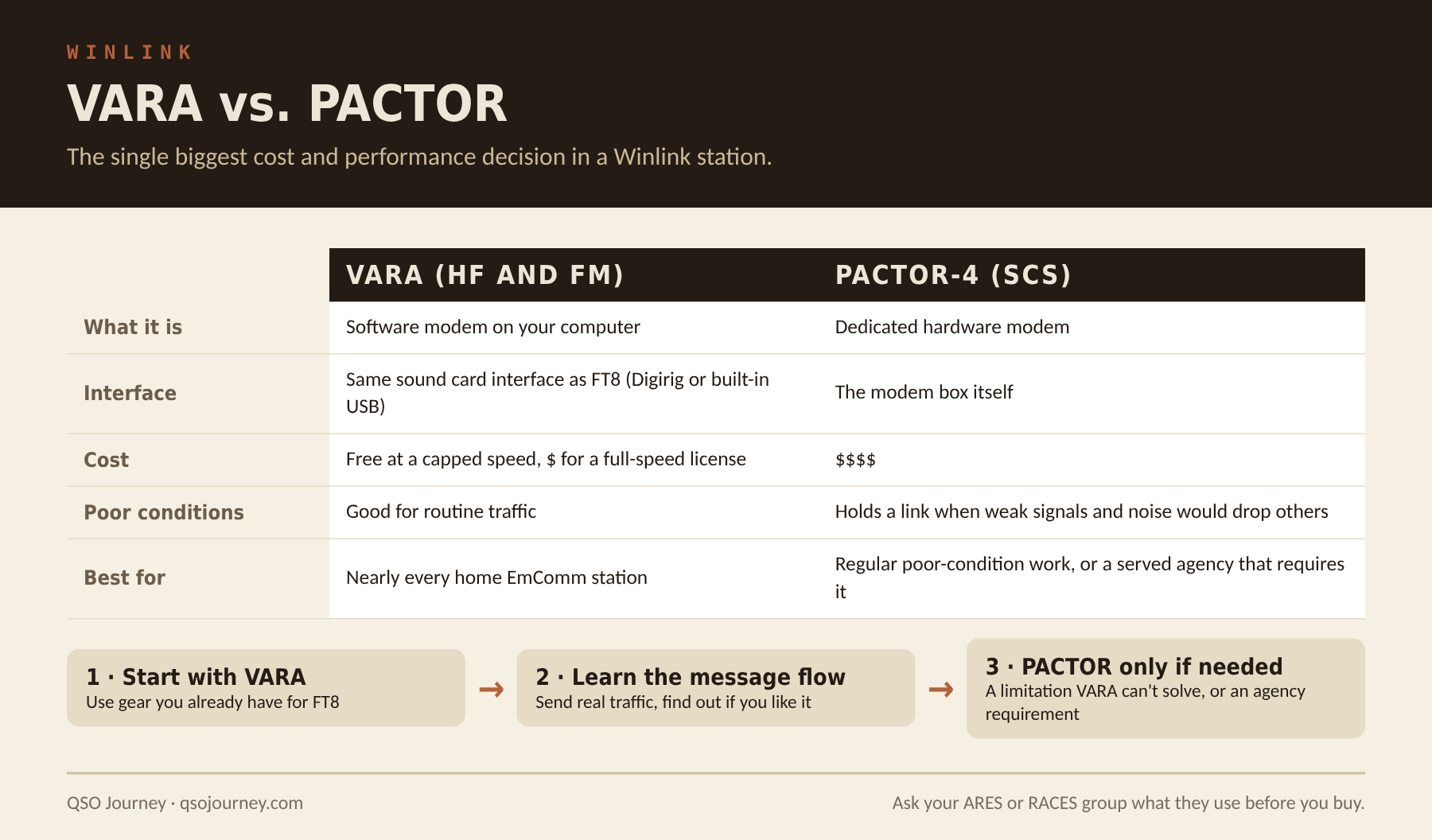
PACTOR, specifically the SCS PACTOR-4 modem, is dedicated hardware that often costs well over a thousand dollars. What that buys is better performance in poor conditions: weak signals, high noise and marginal propagation, where PACTOR holds a connection and keeps moving data when a software modem would drop it. Some served agencies still specify PACTOR for that reason, so if you’re plugging into a specific ARES or RACES group, check what they require before buying anything.
For the overwhelming majority of home stations, VARA is the practical answer. It uses the same sound card interface you’d use for FT8, costs little or nothing to try, and handles routine traffic fine. PACTOR earns its cost when you operate in poor conditions regularly or a served agency has standardized on it. Buying it because it sounds more serious, with no mission reason behind it, is a lot of money to solve a problem you don’t have. Start cheap and upgrade only if you hit a limitation VARA can’t solve.
VarAC: The Chat Mode Built on VARA
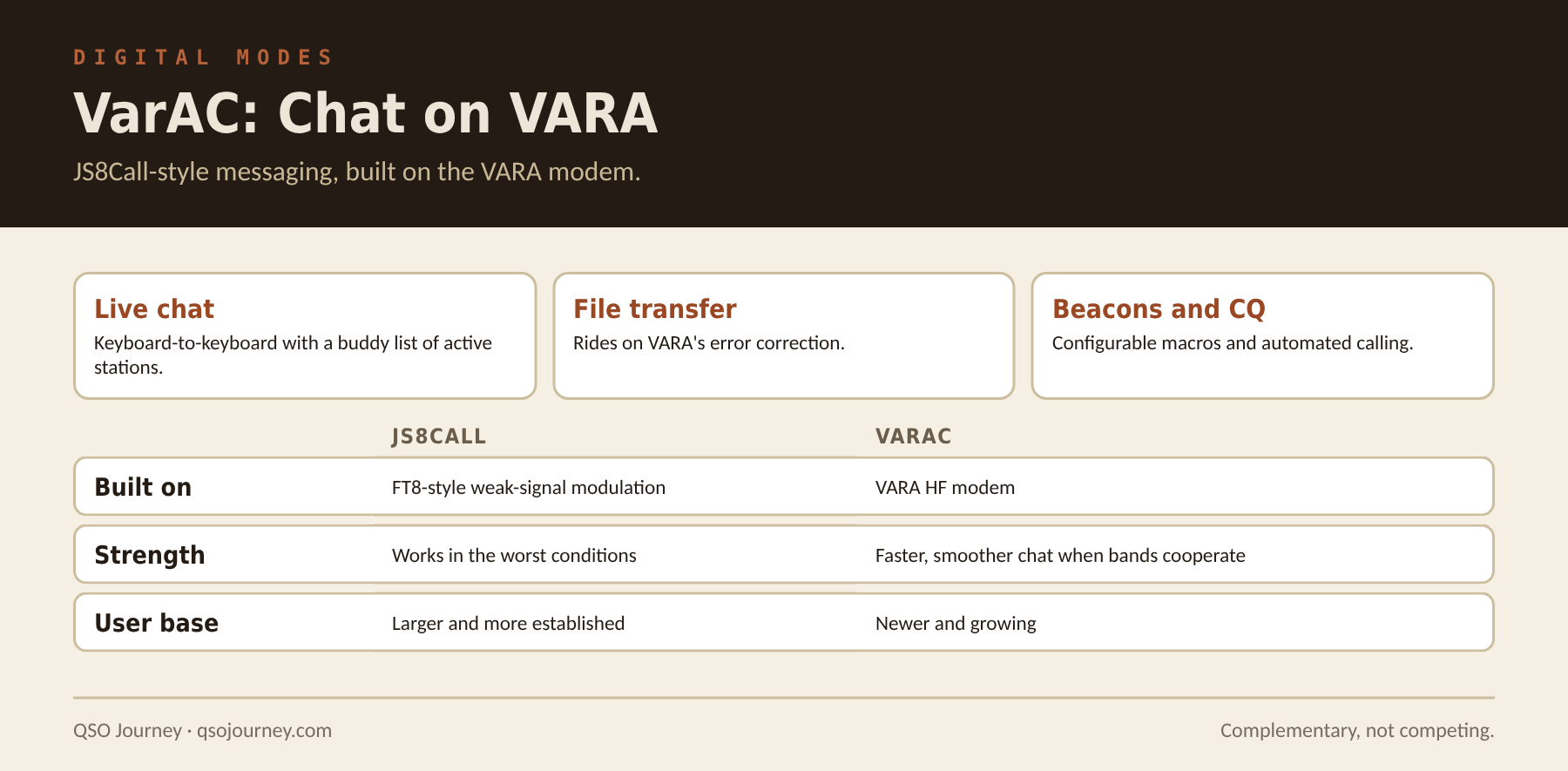
VarAC does for VARA roughly what JS8Call did for FT8: it turns a weak-signal modem into a keyboard-to-keyboard chat platform. Instead of email-style messaging, it gives you a live chat interface with a buddy list of stations currently active and reachable, plus file transfer, position reporting and automated CQs with macros, all leaning on VARA’s error correction.
Compared with JS8Call, which I run, JS8Call has the larger user base and works in more marginal conditions thanks to FT8’s sensitivity. VarAC tends to offer faster throughput and a smoother chat experience when the band cooperates. I treat them as complementary: JS8Call for the worst conditions, VarAC when you want speed. See Getting Started with JS8Call.
- Get VARA HF working with your sound card and radio first, since VarAC depends on it.
- Install VarAC and enter your call sign and locator. It launches and controls VARA for you.
- Set up rig control for PTT and frequency, through CAT or a VOX-based interface.
- Pick a calling frequency from VarAC’s documentation and watch for CQs and beacons.
- Keep transmit audio low enough that the ALC barely moves, like any sound card mode.
The free VARA version works with VarAC but limits speed. Try it free first and decide later whether a license is worth it for how often you chat.
wonderful explain. nailed it in single shot
de VU3YBH