

Part of our Getting Licensed guide.
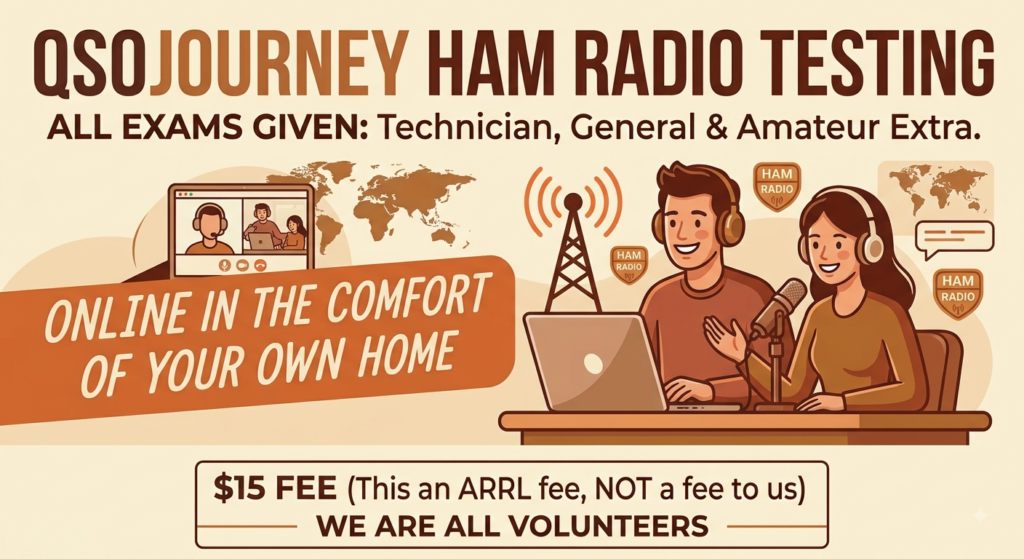
You do not need to find a folding table at a community center on a Saturday morning to get licensed anymore. Remote testing has become a completely normal path into the hobby, and the software behind most of it is a pair of connected tools called HamStudy and ExamTools. Here is how the online exam process works, what you need lined up, and how to get signed up for a session.
What ExamTools Actually Is
ExamTools is the software Volunteer Examiners use to run a test session, whether it is in person or fully remote. On the candidate side, you will interact with its companion site, HamStudy.org, which is where VE teams manage sessions and issue the four digit PIN that connects you to your exam. For a remote session, you will typically also join a video call, usually Zoom, so the VE team can verify your ID and watch you take the test.
The whole system was built to make remote testing legitimate and auditable: your answers are graded on the spot, your paperwork is signed digitally, and your application gets filed the same way an in-person session’s would.
Get Your FRN First (New Hams)
If this is your first FCC license of any kind, ham, GMRS, or otherwise, you do not yet have an FCC Registration Number, and you will need one before test day. It only takes a few minutes:
- Go to the FCC’s registration system at apps.fcc.gov/coresWeb/publicHome.do and choose to register for a new username.
- Create your account with your email address, then log in.
- Follow the prompts to register for a new FRN. You will need your legal name and a permanent mailing address, since this is how the FCC will identify and reach you.
- Your ten digit FRN is issued immediately on the confirmation screen. Write it down. You will use it for every FCC filing you ever make, including license renewals down the road.
If you have ever held a ham or GMRS license, even one that expired years ago, you already have an FRN. Use that existing one instead of registering for a new one; a second FRN under your name creates a mess in the FCC’s database that is annoying to untangle later.
Interested in Testing? Email Me
If you would like to sit for an exam online, send me an email at kz7k@qsojourney.com and let me know which license class you are testing for (or upgrading to), and roughly when you would like to test. I will get you connected with a session and walk you through anything you are unsure about beforehand, including the FRN step above if you have not done it yet.
What You Need on Exam Day
- Your FRN. Have it written down or pulled up, ready to enter.
- A government issued photo ID. A driver’s license, state ID, or passport works. You will hold it up to the camera for the VE team to verify.
- A device with a camera and a stable internet connection. Most people use a laptop or tablet. Specific device requirements will come with your session details.
- A second device, like your phone, to show a side angle. Most VE teams will have you prop up a phone or tablet so they can see your hands, your screen, and your workspace from a different angle than your main camera. Have it charged and ready to join the same video call.
- A quiet, well-lit space with nobody else in the room. The VE team needs a clear view of you and your surroundings for the whole session.
You will join the video call, wait in a virtual waiting room until a VE team is free, then get walked through ID verification before the exam itself opens on your screen. Grading happens immediately after you submit, and the VE team will tell you your result before you log off.
Upgrading? A Few Extra Rules
If you already hold a Technician or General license and are testing for the next class up, your registration needs to match your current license exactly: same FRN, same name spelling, same call sign. If your address has changed since you last renewed, the upgrade will also file that address change for you automatically, which is a nice side benefit. One thing to avoid: do not register for an exam if you have any other FCC application pending, like a vanity call sign request, since the two filings can collide.
After You Pass
Your paperwork is filed electronically by the VE team right after your session, and your new callsign or upgraded class typically shows up in the FCC’s database within about a week. From there, the next moves are picking your first radio if you have not already and finding a local club or net to start actually using the license.